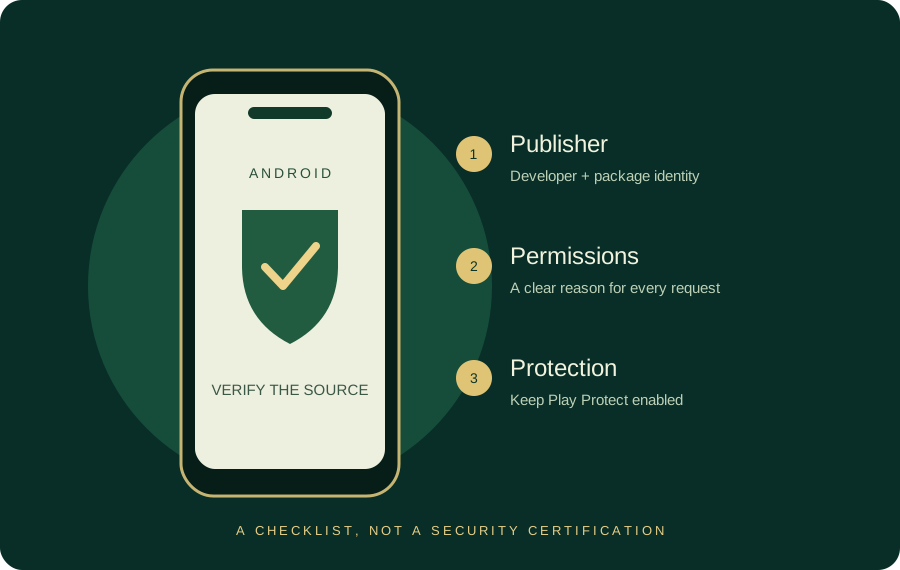
Before changing a working app
Identify the package and account-recovery path first. A familiar old interface and a supported rollback are different things.
Why people search for an older build
A new interface, a crash or a change in device support can prompt a search for Teen Patti Master old version. First identify the actual problem: a network outage, account issue and incompatible Android build need different fixes. An old file cannot reliably resolve all three.
This site has no authenticated release archive. We do not label a file as an original old version, publish invented version numbers or claim that a previous build preserves a bonus.
Try these reversible checks first
- Restart the app and check the publisher’s service notices.
- Check free device storage and the Android update status.
- Confirm your login method through the app’s verified support channel.
- Back up permitted information before clearing data or uninstalling.
- If a publisher recommends a rollback, obtain the exact release from that publisher.
Understand rollback risks
| Risk | Why it matters |
|---|---|
| Signature mismatch | Android may refuse an update signed by a different certificate. |
| Local-data loss | Uninstalling can remove local settings and guest progress. |
| Server mismatch | A historical client may no longer work with the current service. |
| Unpatched code | An older build may retain known vulnerabilities. |
| Account confusion | Similar names may use completely separate account systems. |
Do not bypass device security to force a mismatched build. A familiar logo does not establish signing continuity.
A useful archive record
A responsible archive would identify the publisher, package name, version code, release date, minimum Android version, certificate fingerprint, exact file hash and source. It would also explain whether the publisher still supports the build. Without that record, “all version APK” is simply an Safe Download claim.
This applies to Teen Patti Gold old version searches as well. The Gold guide links to an identifiable store record rather than providing a copied historical APK.
What is available here
Use download status for the current file position. For a slow or unsupported device, the browser hand trainer and static rule pages remain available without an APK. Neither needs an account or monetary stake.
Version code, version name and signing identity
| Term | What it tells you | What to compare |
|---|---|---|
| Version name | Human-readable label such as v3.12 | Publisher release notes |
| Version code | Build ordering used by Android | Current and proposed build record |
| Package identifier | App identity string | Exact package, not the display name |
| Signing certificate | Identity used in update verification | Fingerprint continuity from a trusted source |
The v3.12 wording in the supplied Master archive is a version name claim. The archive does not establish a tested rollback path for your installed app. Keep that distinction when checking an old or purana version.
Choose the fix that matches the symptom
A changed interface is a product preference. A crash is a technical symptom. A missing account is an identity or recovery problem. An older package is not a universal fix for all three. Use installation troubleshooting for installer messages and verified publisher support for account recovery.
Use the symptom before choosing an archive
If a working interface changed, review the Master release reference. If Android refuses installation, the installer-message guide is the more direct next step.
Sources & scope
Reviewed 28 October 2026. Rules and service details may vary. Source records and calculation methods are explained in Sources & methods. See our editorial policy.